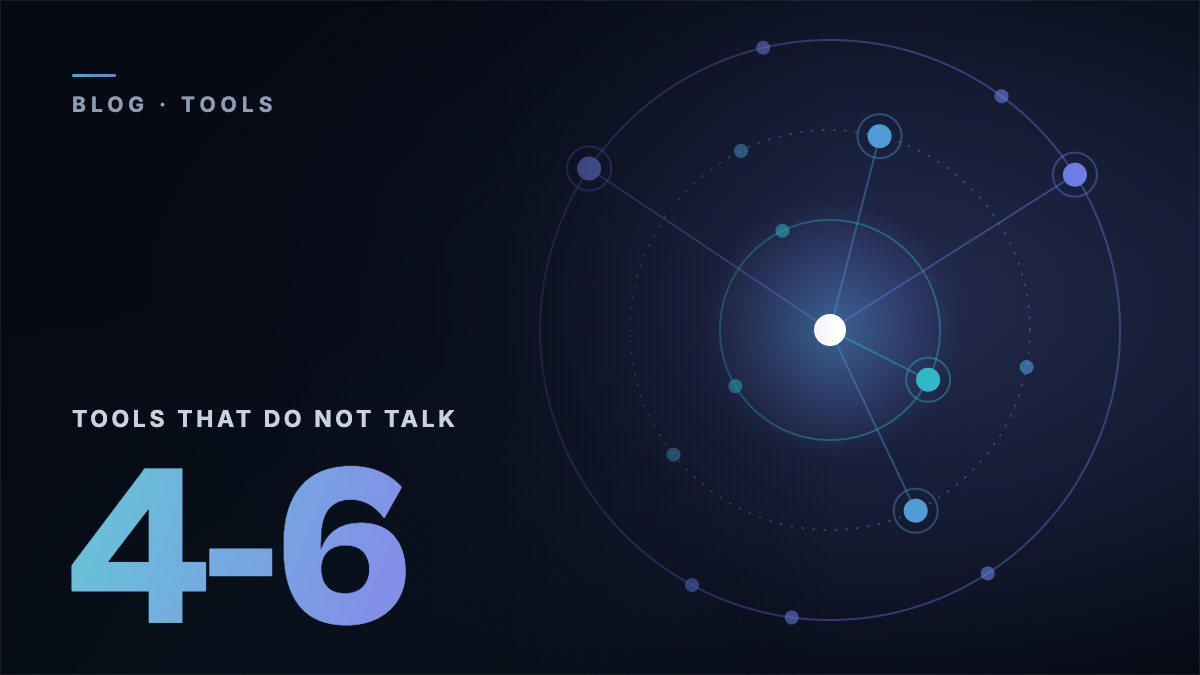
Open a new tab. Count the sales tools you used today. Customer records. Email follow-up tool. Meeting recorder. Contact lookup. Task manager. Slack for internal updates. Maybe a proposal tool. A call analysis tool.
That's 6-8 tabs, 6-8 logins, 6-8 monthly invoices. And somehow, after all that software, you're still manually copy-pasting meeting notes into your customer records and writing follow-up emails from memory.
The problem isn't that your tools are bad. Individually, they're fine. The problem is that none of them can see what the others are doing.
The Toggle Tax
A sales team pays for several tools for reaching out to buyers, for every user, every year. That's the invoice cost. The real cost is higher.
Every time you switch between tools, you lose context. You leave your customer records to check the meeting transcript. You leave the transcript to update the deal stage. You leave the deal to draft a follow-up in your email tool. You leave the email tool to check Slack for something your colleague mentioned about the buyer.
That's the toggle tax. It's not just the time lost switching tabs. It's the mental load of holding context across systems that don't share it. It's the data that gets dropped because you forgot to update one of the six places that need updating after a call.
And here's the part that makes finance teams nervous: most organisations are paying for the same capability more than once across different platforms. Your customer records system has a built-in email tool you don't use. Your email follow-up tool has its own contact list duplicating your customer records. Your meeting tool has AI summaries that don't connect to anything. There is a connection tax on top, the cost of making these tools talk to each other through Zapier, custom links and manual processes.
Consolidation saves money, and not through hopeful sums. It's just removing the overlap and the glue.
Why Small Teams Feel It Most
Big companies have whole teams whose entire job is wiring tools together. They build the Salesforce dashboards, maintain the Zapier connections, fix the errors when tools stop matching up and keep the data clean across 15 platforms.
You don't have a team for that. You have you. Maybe one or two other people. And none of you were hired to wire software together. You were hired to sell.
So what happens? The customer records go stale because nobody has time to update it after every call. The follow-ups go out late because writing them is a 20-minute task and you've got three more meetings today. The prep for tomorrow's calls doesn't happen because the meeting notes from last time are buried in a transcript tool you logged into once.
The irony is brutal: small teams buy tools to save time, but managing those tools eats the time they saved. The net gain is close to zero. Sometimes negative.
The irony is brutal: small teams buy tools to save time, but managing those tools eats the time they saved.
Command Centre vs the Best Tool for Each Job
For the last decade, the advice was to buy the best tool for each job. Pick the best system for customer records. The best email follow-up tool. The best notetaker. The best contact lookup tool. Wire them together and you've got a world-class set of tools.
That advice made sense when each tool was far better than the alternatives and connecting them was simple. Neither is true anymore. The tools have converged in quality. And connecting them has become a nightmare of usage limits, clashing updates and mismatched data formats.
The problem is that none of them can see what the others are doing.
One platform that pulls in context from several sources and acts on it in one place. Not replacing every tool, you'll still have your customer records, still have email, but providing the smart layer that connects them.
The shift is toward command centres: one platform that pulls in context from several sources and acts on it in one place. Not replacing every tool, you'll still have your customer records, still have email, but providing the smart layer that connects them.
Here's what that looks like in practice: you finish a meeting.
- Step 1
The recording is transcribed.
- Step 2
Key topics, action items and signs the buyer is ready are extracted.
- Step 3
The deal in your customer records is updated with the new stage, close date and next steps.
- Step 4
A follow-up email is drafted using what the buyer actually said.
- Step 5
Tasks are created for the commitments you made.
- Step 6
A Slack brief goes to your team.
- Step 7
And your prep for the next meeting with this buyer is already started.
That entire chain happens without you switching a single tab. Not because each step uses a different tool that happens to be connected. Because one system sees all the context and handles the whole job from start to finish.
What to Look For
If you're reviewing the tools you use to sell, ask these questions:
Are your tools connected?
Four questions from the article. Answer for the tools you have today.
Connected.
The data from your last meeting reaches your customer records, your follow-up email and your next meeting prep without you moving it. That is what a cockpit feels like.
Part cockpit, part junk drawer.
You're doing connection work that software should handle. Many teams find more overlap than they expected.
Fragmented.
If you need three tools open to understand where a deal stands, your tools are fragmented. If you're spending more time managing tools than using them to sell, the problem isn't you. It's the way your tools are set up.
Run the Audit
The 30-minute audit
Take 30 minutes this week and do this:
Many teams end up with a few tools that genuinely earn their place and a few that exist because "we've always had it" or "it was easy to sign up for." The overlap isn't laziness. It's how software clutter builds up. Each tool solved a real problem at signup. But nobody audited whether three other tools had already solved the same problem.
The goal isn't one tool to rule them all. It's a command centre that gives you a single view of every deal, every interaction, and every next step, with AI that can actually act on what it sees because it has the full context, not a fragment of it.
Your sales tools should feel like a cockpit, not a junk drawer. If you're spending more time managing tools than using them to sell, the problem isn't you. It's the way your tools are set up.
Your sales tools should feel like a cockpit, not a junk drawer.